PixelDrain CLI & MCP Server
Upload, download, and share files, media, and albums directly from your terminal, shell scripts, pipelines, and AI workflows without opening a browser.
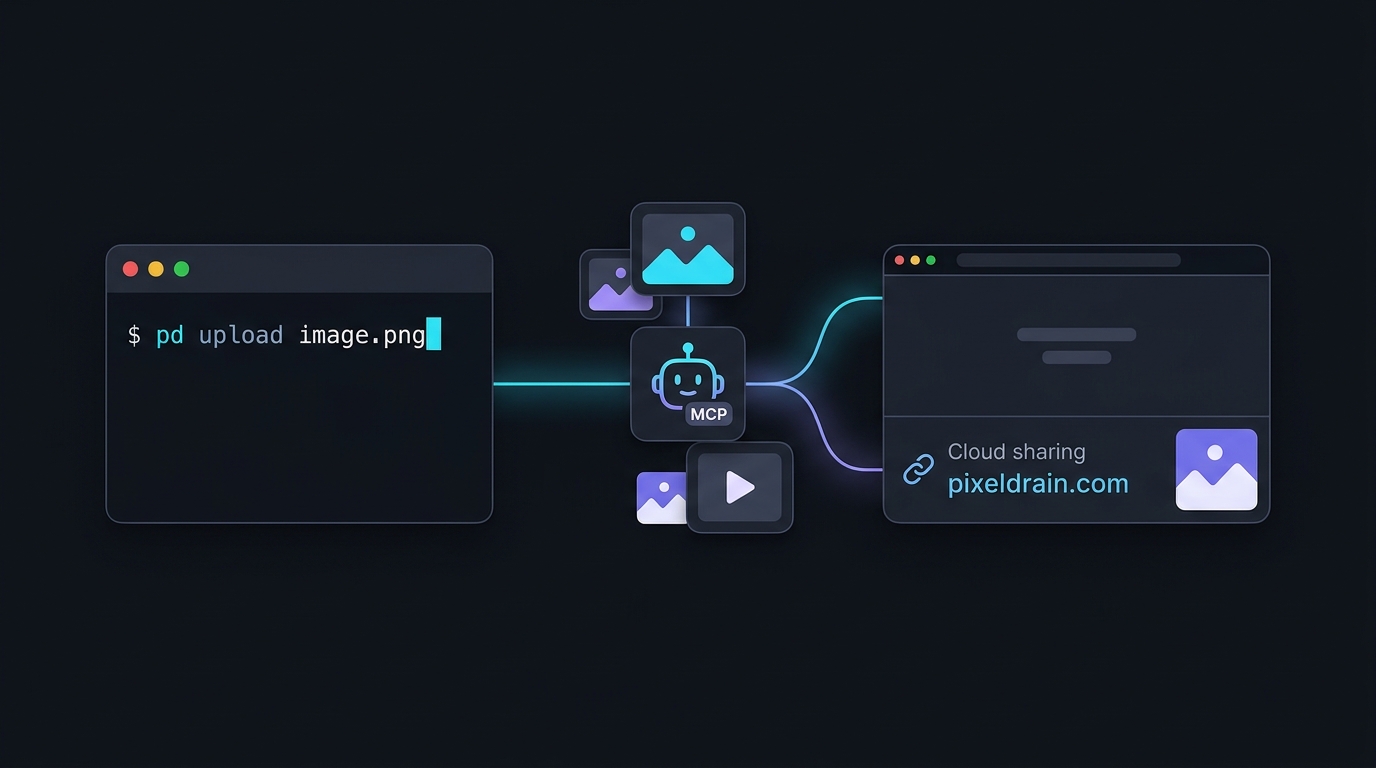
Instant File Sharing
Upload files, screenshots, or generated images from the CLI and get a shareable Pixeldrain link instantly.
AI & MCP Integration
Built-in Model Context Protocol server (pd mcp) enabling Claude Desktop, Cursor, and agents to transfer files directly.
Album & Pipeline Friendly
Bundle multiple files into albums with –album, pipe from stdin, or stream directory archives with tar.
End-to-End Encryption
Client-side file encryption with age or SSH public keys before uploading, ensuring maximum privacy.
Quick Installation
Homebrew (macOS & Linux)
brew tap jkawamoto/pixeldrain
brew install pixeldrain
Go Install
go install github.com/jkawamoto/go-pixeldrain/cmd/pd@latestPre-compiled binaries for macOS, Linux, and Windows are also available on GitHub Releases.
Quick Start in 30 Seconds
# Upload a file and get a shareable link
pd upload artwork.png
# => https://pixeldrain.com/u/xxxxxx

# Upload multiple files as a single album
pd upload --album "My Project" screenshot1.png screenshot2.png
# => https://pixeldrain.com/l/xxxxxx

# Download a file or full album
pd download https://pixeldrain.com/u/xxxxxx
pd download --all https://pixeldrain.com/l/xxxxxx

# Start MCP server for AI tools
pd mcp